Gateway Provisioning
The provisioning section is an optional part of the Onboarding UI that enables users to connect to an Everyware Cloud (EC) instance and perform the device provisioning operations.
The Everyware Cloud Provisioning feature allows users to automatically configure new devices without direct local interactions. This functionality facilitates an easy and rapid deployment of numerous devices with similar configurations, applications, or areas of application.
Internet connection
Ensure that the device is connected to the Internet. If it is not, please refer to the networking configuration guide.
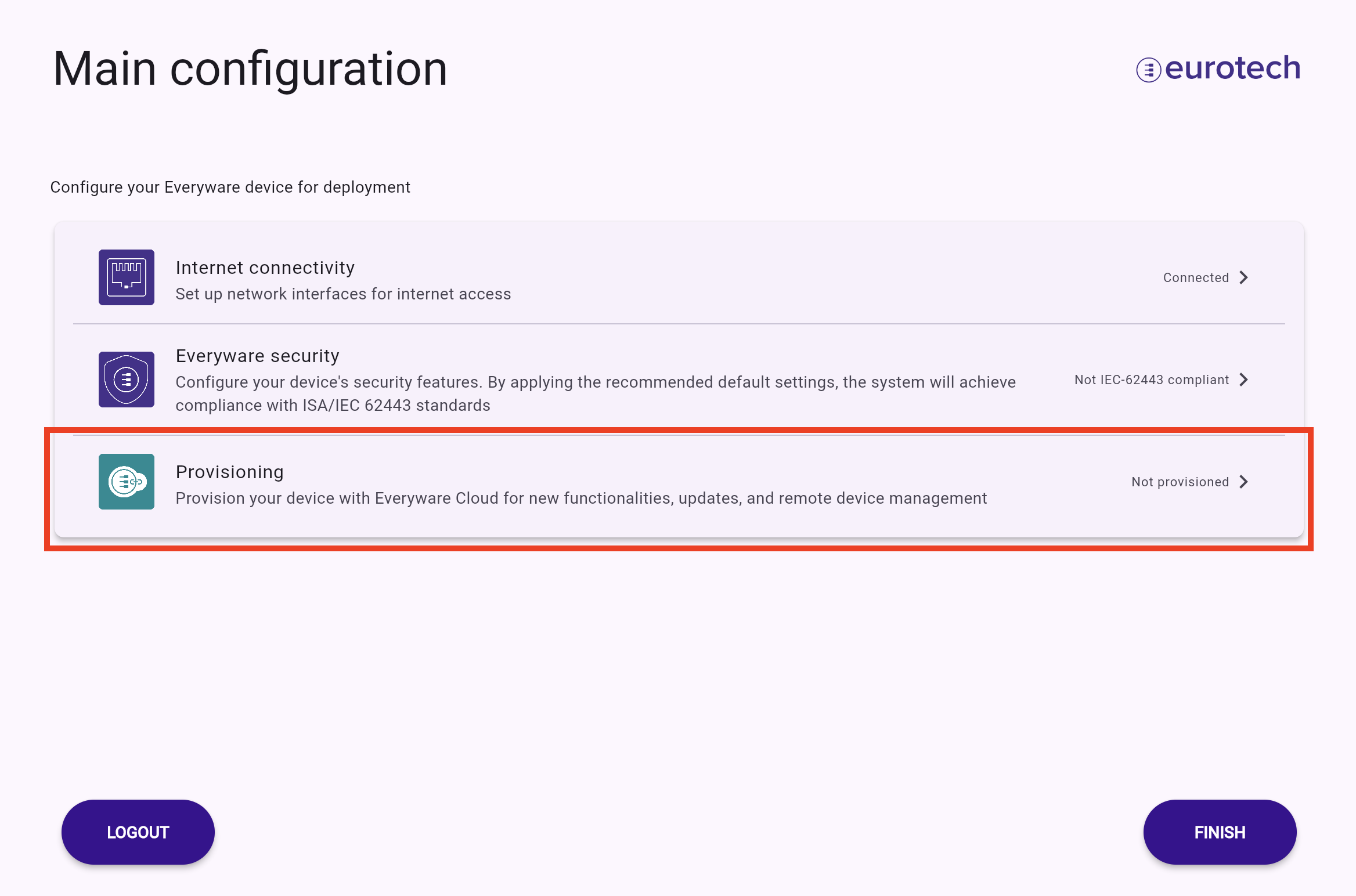
To carry out cloud provisioning, the following steps must be completed by the end user during the device onboarding process. The provisioning settings can be accessed via the Provisioning menu.
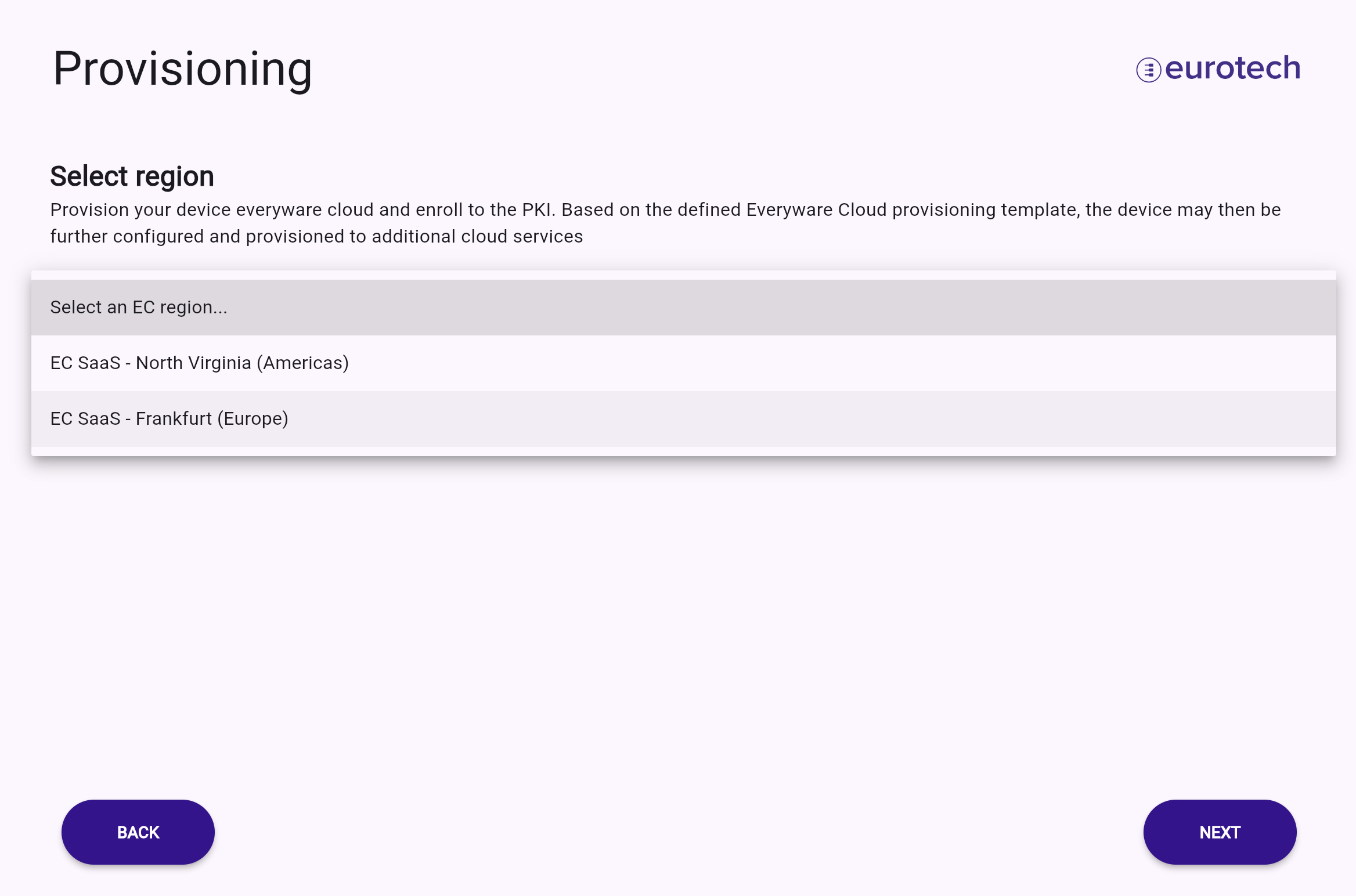
First, users need to select the appropriate cloud endpoint.
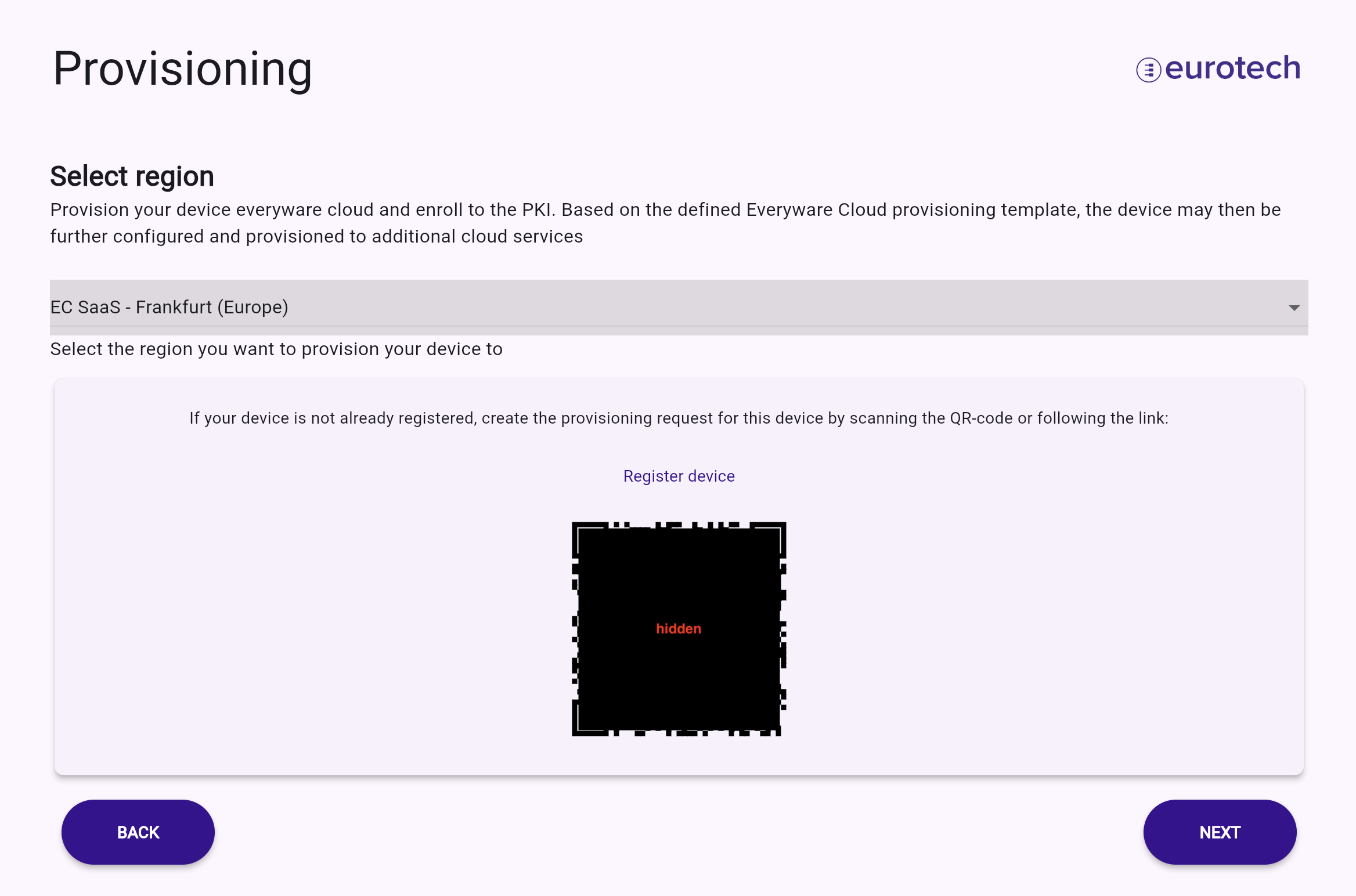
Before proceeding, the device must be registered on Everyware Cloud. To simplify this operation, a QR code and a link to the registration page will be provided.
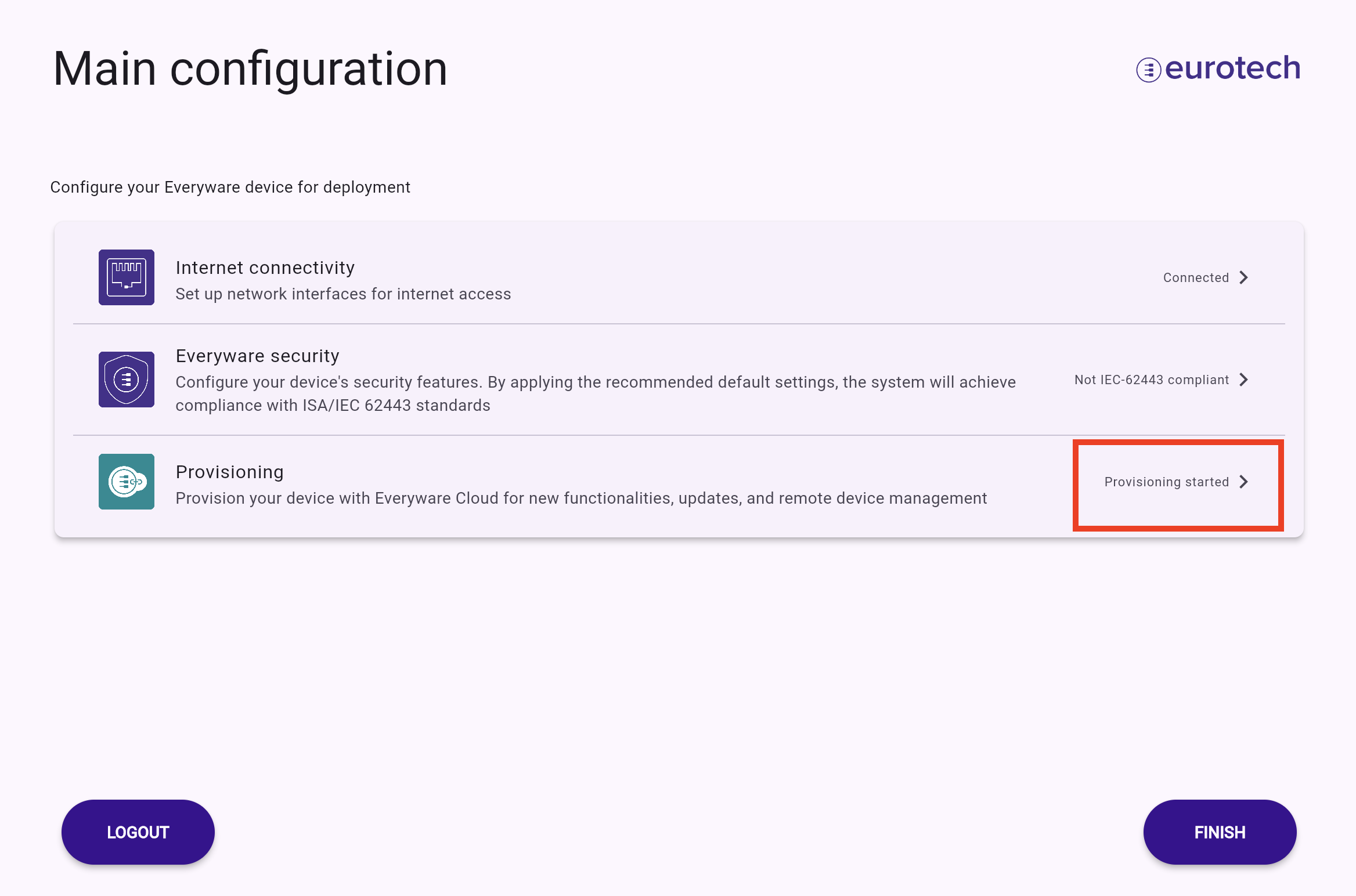
The provisioning process is irreversible, once initiated, it is not possible to return to this page. Please ensure you read the warning before continuing. The process status will be displayed on the next screen.
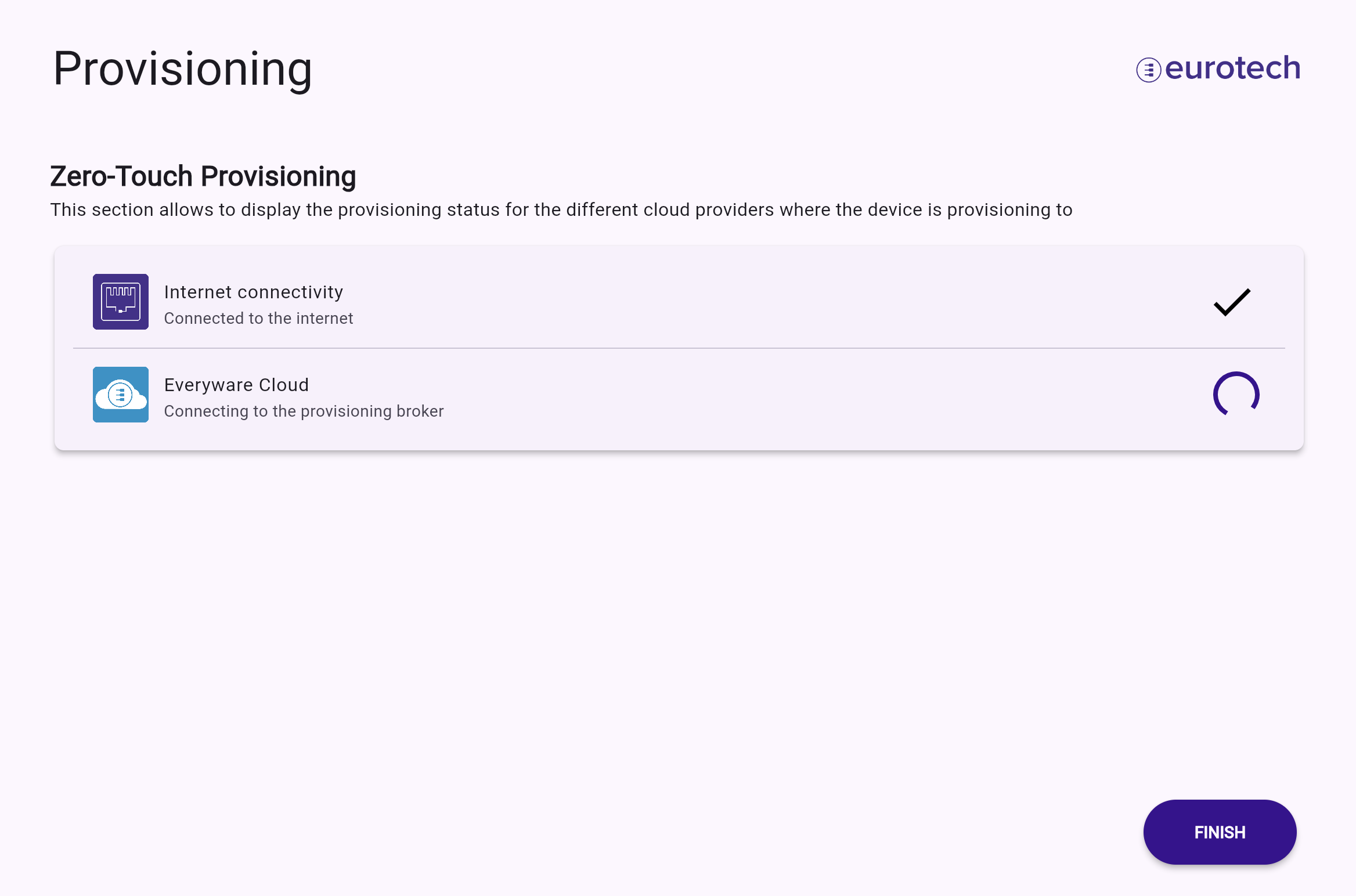
Clicking on FINISH will return you to the main configuration page. If the provisioning process has not yet completed, it will continue in the background. The current status is indicated in the menu item and can be expanded by accessing the Provisioning menu.