Onboarding user guide
Login
To access the onboarding UI, connect your PC to the system's configuration interface (use the eth0 port for the ReliaGATE 10-14), and open your browser to the URL https://172.16.0.1/onboarding/index.html. You will be welcomed by the onboarding UI login page:
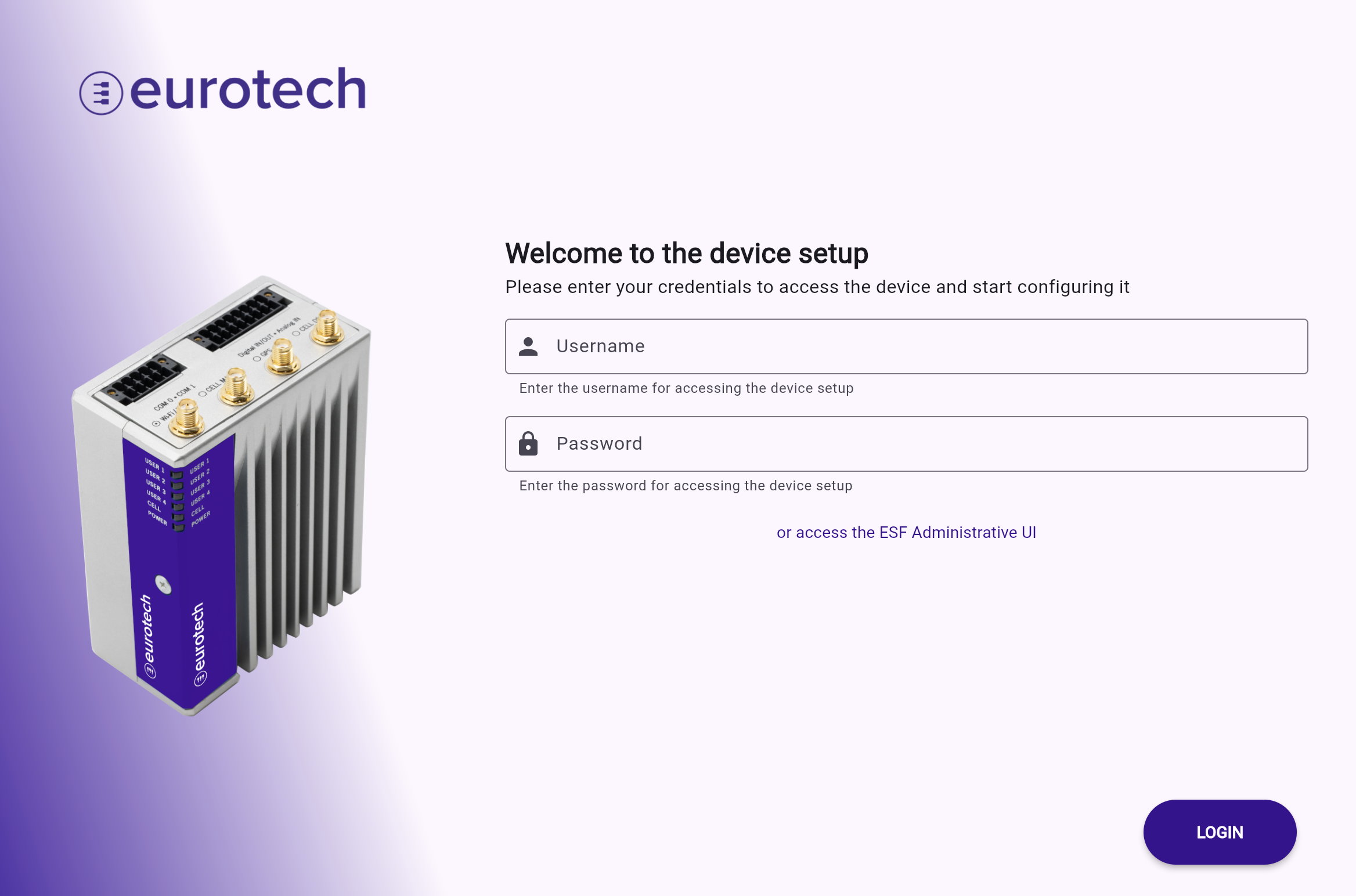
Users have the option to either proceed to the onboarding wizard or be redirected to the ESF administration UI by clicking the link located below the login button.
The onboarding UI only supports username/password authentication; certificate-based authentication is not available.
If the device is factory hardened, the default login credentials are username onboarding and password <product S/N>.
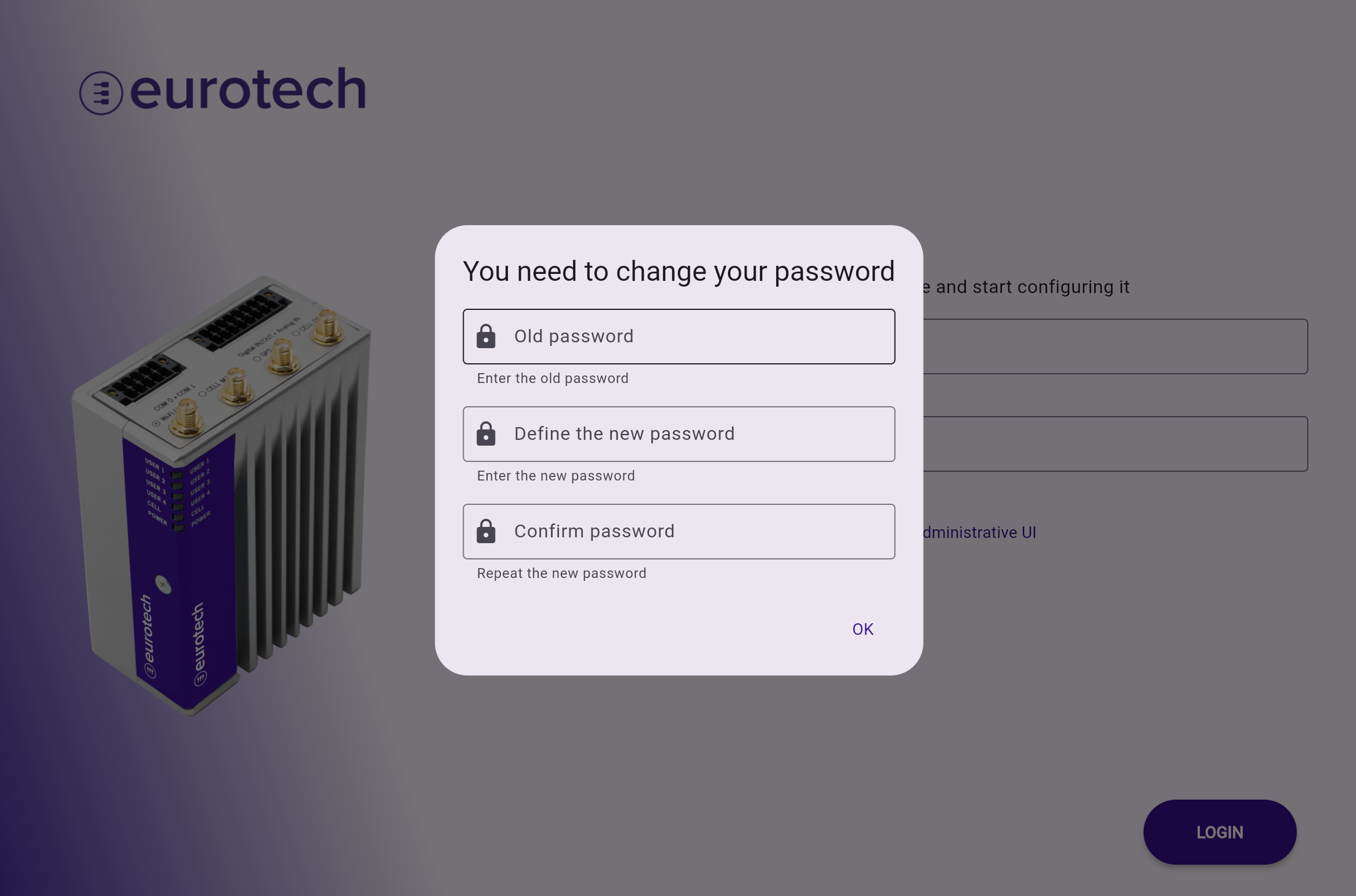
If required by the system administrator, users must change the default password upon first login, as shown in the image below.
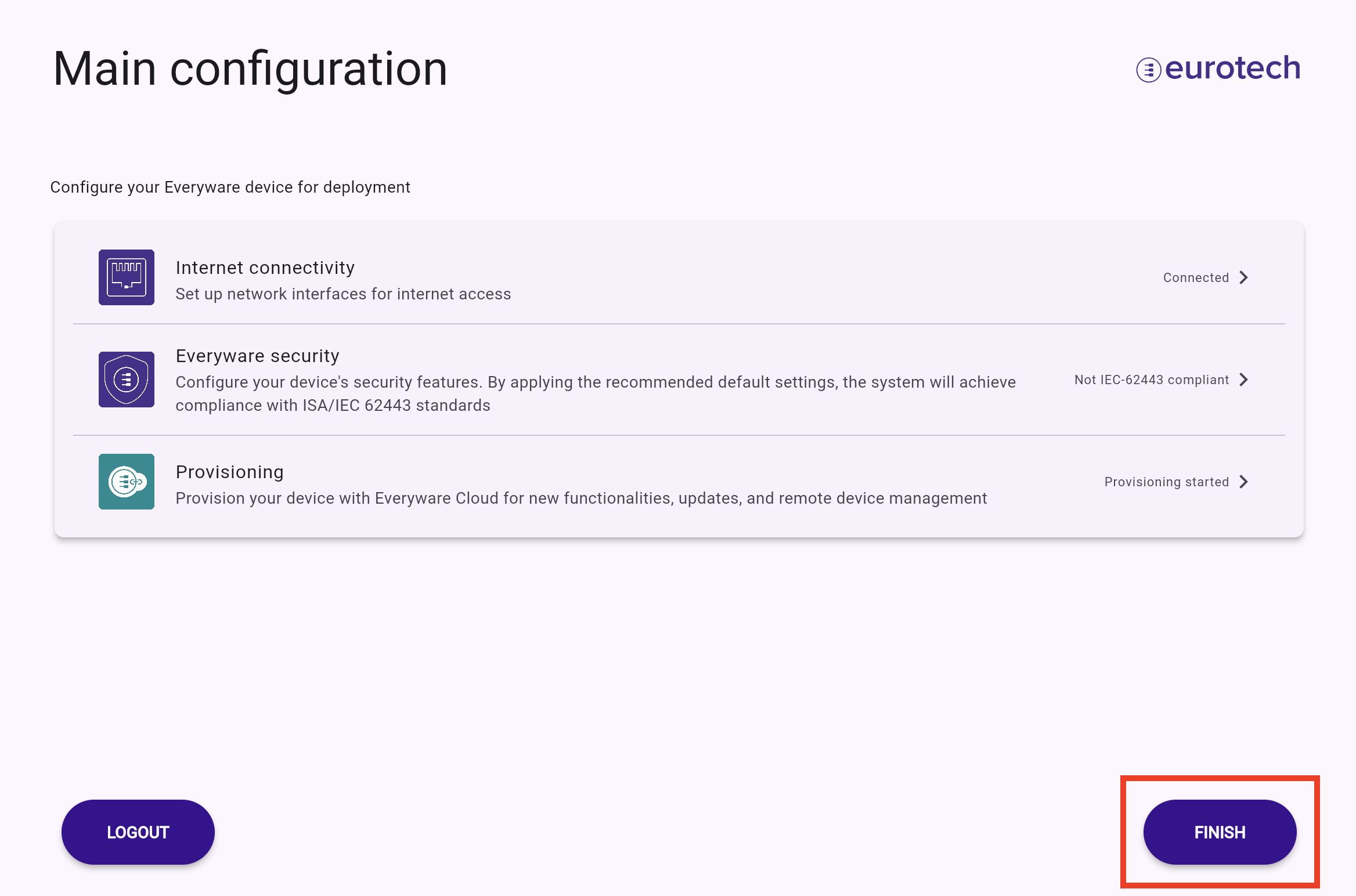
Once logged in, depending on the flows enabled by the system administrator for your account, you can configure:
- Device networking: enables internet connectivity
- Gateway provisioning: provisions the gateway with a configuration from Everyware Cloud
- Hardening for security: secures the device by executing a series of guided security-related configurations. High expertise in Linux systems is required as this may irreversibly damage the device
Completion
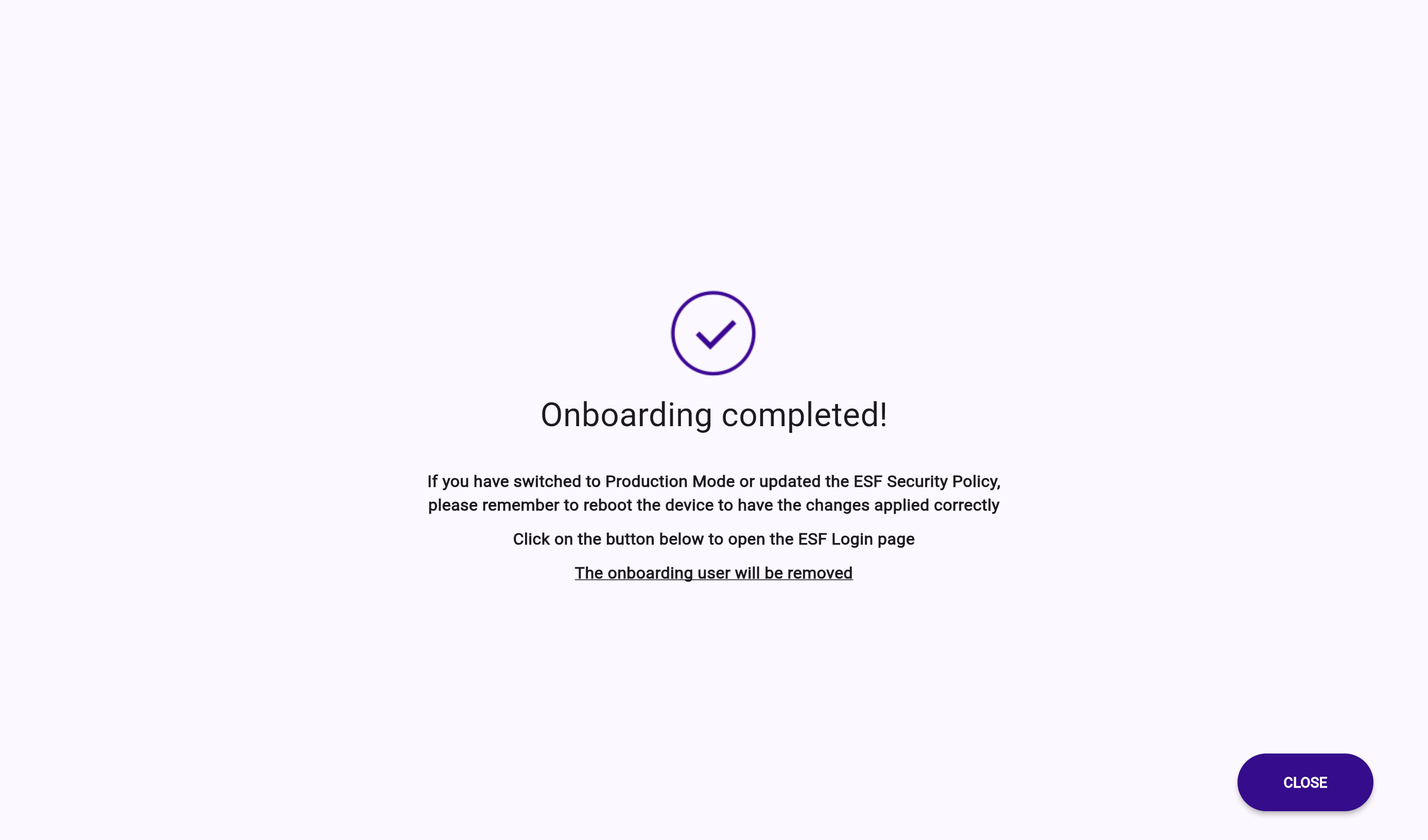
After completing the onboarding steps, click on FINISH.
Depending on the configuration set by the system administrator, clicking on CLOSE ends the onboarding process. This action prevents the onboarding user from further accessing the onboarding UI.